Technical Documents
Specifications
Brand
LascarProduct Type
Digital Panel Multifunction Meter
Properties Measured
Voltage
Display Type
TFT
Cutout Height
74mm
Cutout Width
92mm
Depth
18.4mm
Minimum Operating Temperature
0°C
Maximum Operating Temperature
40°C
Standards/Approvals
No
Meter Type
Digital
Series
PanelPilot
Maximum Measurement
240 V
Country of Origin
China
Product Details
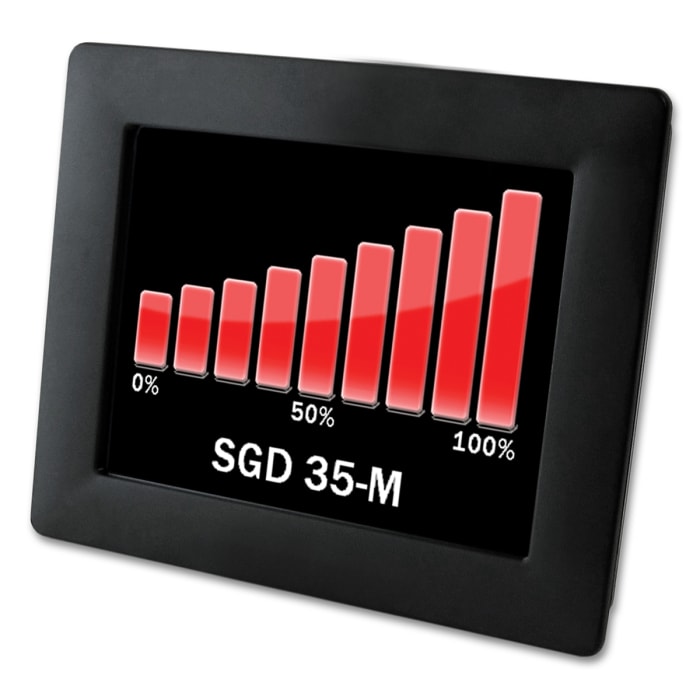
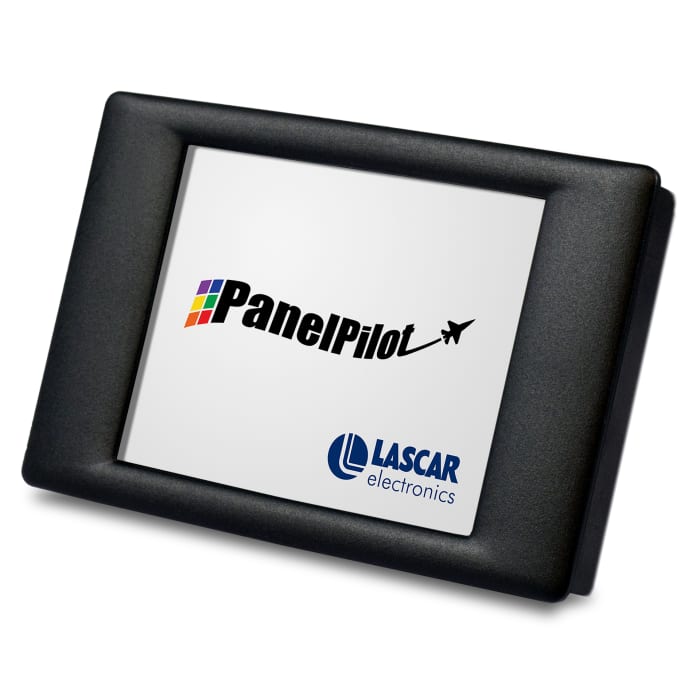
The Lascar PanelPilot series 3.5in smart graphics display has a 320 x 240 pixels (QVGA) colour display and USB programming interface. By using the PanelPilot software (available for Windows 7, 8.1 and 10), users can choose from an increasing number of voltmeter types that can be customised as per their needs. The user can customise the colours, text labels, splash screen and input voltage scaling through the software and upload to the meter with the help of the USB connection. Once programming is complete, you can save all selections to the meter and computer, detach the unit and mount in their panel as they would any standard display.
Stock information temporarily unavailable.
70.325 OMR
70.325 OMR Each (ex VAT)
73.841 OMR
73.841 OMR Each (inc. VAT)
1
70.325 OMR
70.325 OMR Each (ex VAT)
73.841 OMR
73.841 OMR Each (inc. VAT)
Stock information temporarily unavailable.
1
Technical Documents
Specifications
Brand
LascarProduct Type
Digital Panel Multifunction Meter
Properties Measured
Voltage
Display Type
TFT
Cutout Height
74mm
Cutout Width
92mm
Depth
18.4mm
Minimum Operating Temperature
0°C
Maximum Operating Temperature
40°C
Standards/Approvals
No
Meter Type
Digital
Series
PanelPilot
Maximum Measurement
240 V
Country of Origin
China
Product Details
The Lascar PanelPilot series 3.5in smart graphics display has a 320 x 240 pixels (QVGA) colour display and USB programming interface. By using the PanelPilot software (available for Windows 7, 8.1 and 10), users can choose from an increasing number of voltmeter types that can be customised as per their needs. The user can customise the colours, text labels, splash screen and input voltage scaling through the software and upload to the meter with the help of the USB connection. Once programming is complete, you can save all selections to the meter and computer, detach the unit and mount in their panel as they would any standard display.